Open source
Downloads Tidier
Sorts a messy Downloads folder by file type, with preview first and undo. It never deletes or overwrites.
- Step 01
Preview
Shows what would move, before anything does.
- Step 02
Apply
Sorts files into folders by type.
- Step 03
Undo
Puts everything back whenever I want.
My Downloads folder was a mess, and I didn't trust tools that move files without a way back.
I built it with Claude Code. I planned it first, then built it in 8 reviewed steps. I can't code from scratch yet.
What I learned: plan first and build in small checked steps, safety matters more than speed when software touches people's files, and test on more than one operating system.
Guardrails
- It never deletes or overwrites.
- Preview first, with undo.
Honest outcome
179 tests, with checks on Windows, macOS and Linux run by GitHub Actions. Version 0.1.0, MIT licence.
Screenshots
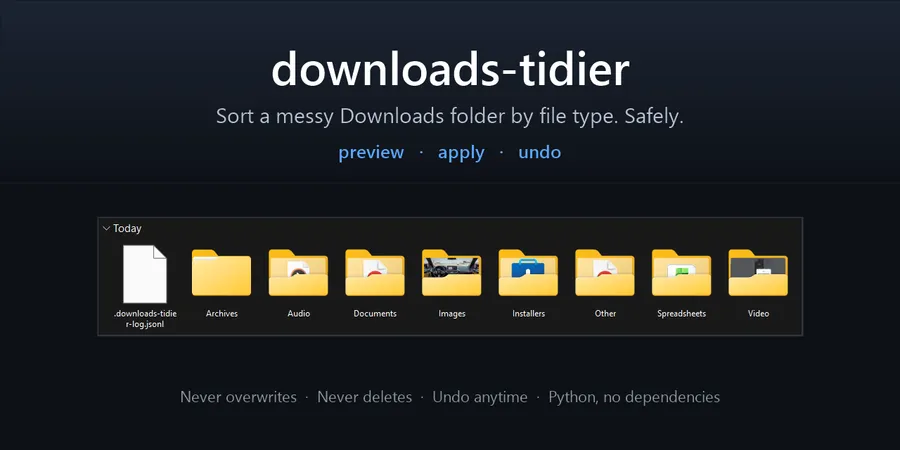
The project banner from GitHub.

After: sorted into folders by file type, plus the tool's log file.